Website Navigation & User Guide
Website Navigation
This website is built in accordance with web accessibility design principles. The main content of the website is divided into three major sections:
1. Top Navigation Section, 2. Conversation Content Section
The Accesskey settings for this website are as follows:
-
Alt+U: Top Navigation Section – This section contains the website logo, a link to the Website Navigation & User Guide page, and the language switch button.
-
Alt+C: Conversation Content Section – This is the main content area of the page, displaying the AI customer service conversation.
If you are using the Firefox browser, the shortcut keys are used with Shift+Alt+(access key letter). For example, pressing Shift+Alt+C will jump to the main content section in the center of the page, and so on.
User Guide
-
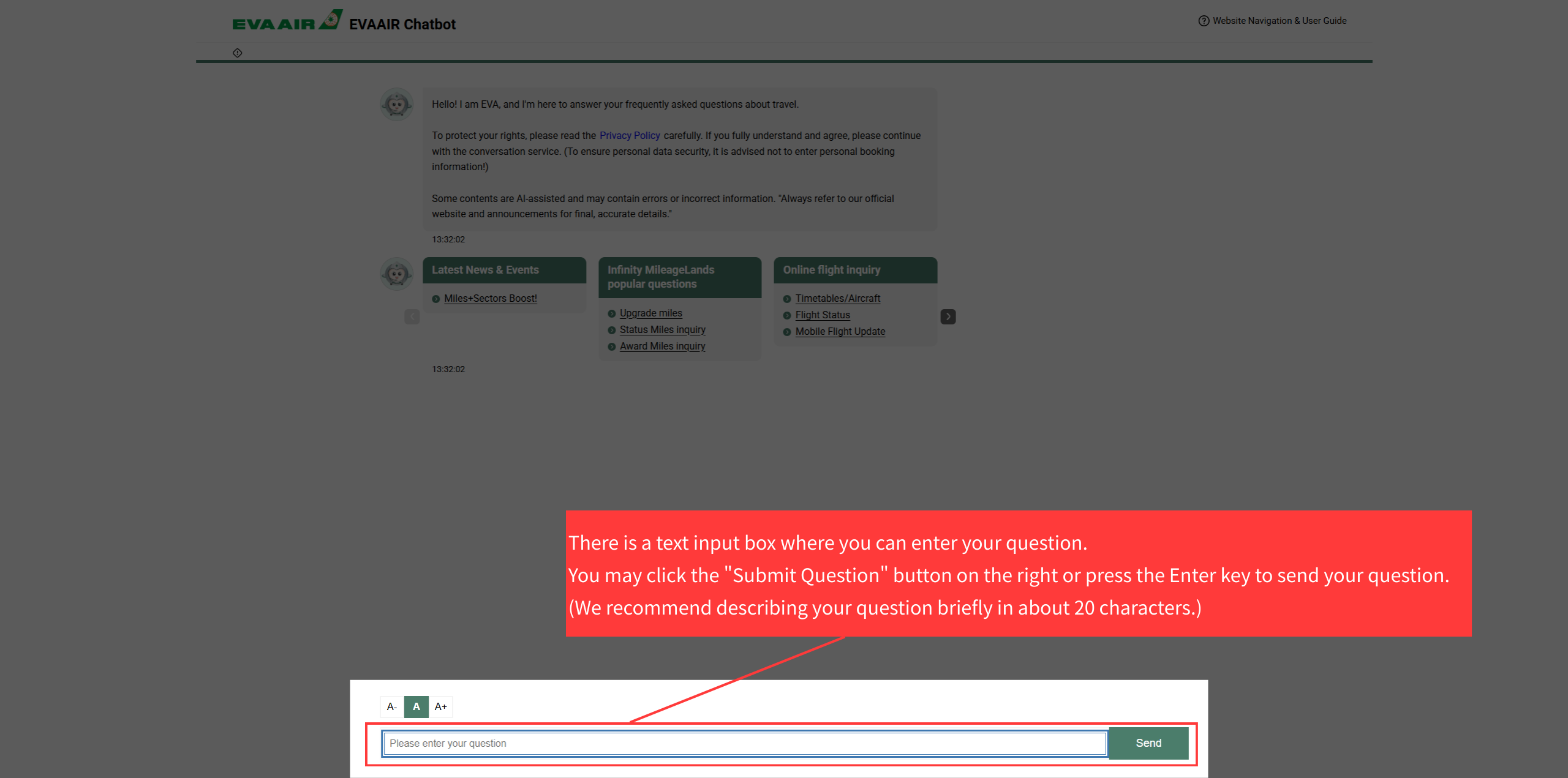
In the Conversation Content section, there is a text input box where you can enter your question. You may click the "Submit Question" button on the right or press the Enter key to send your question.
(We recommend describing your question briefly in about 20 characters.)